On the weekend of 4/13-14 TFH production team made an exciting transition to using the Komodo-X from RED Digital Cinema , We’ve been talking about this upgrade for a LONG time and couldn’t wait to finally have full integration from Switcher to the new REDs.
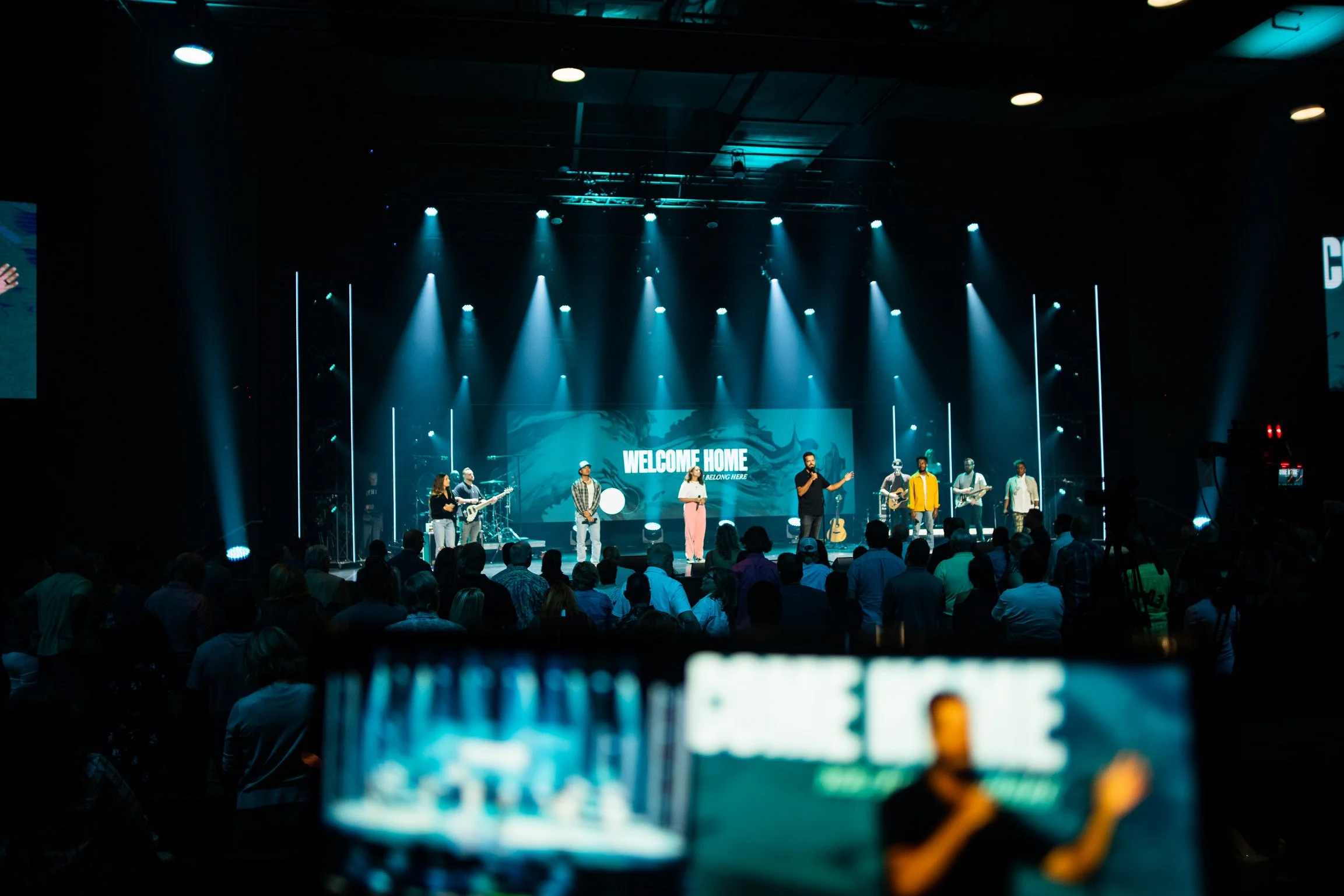
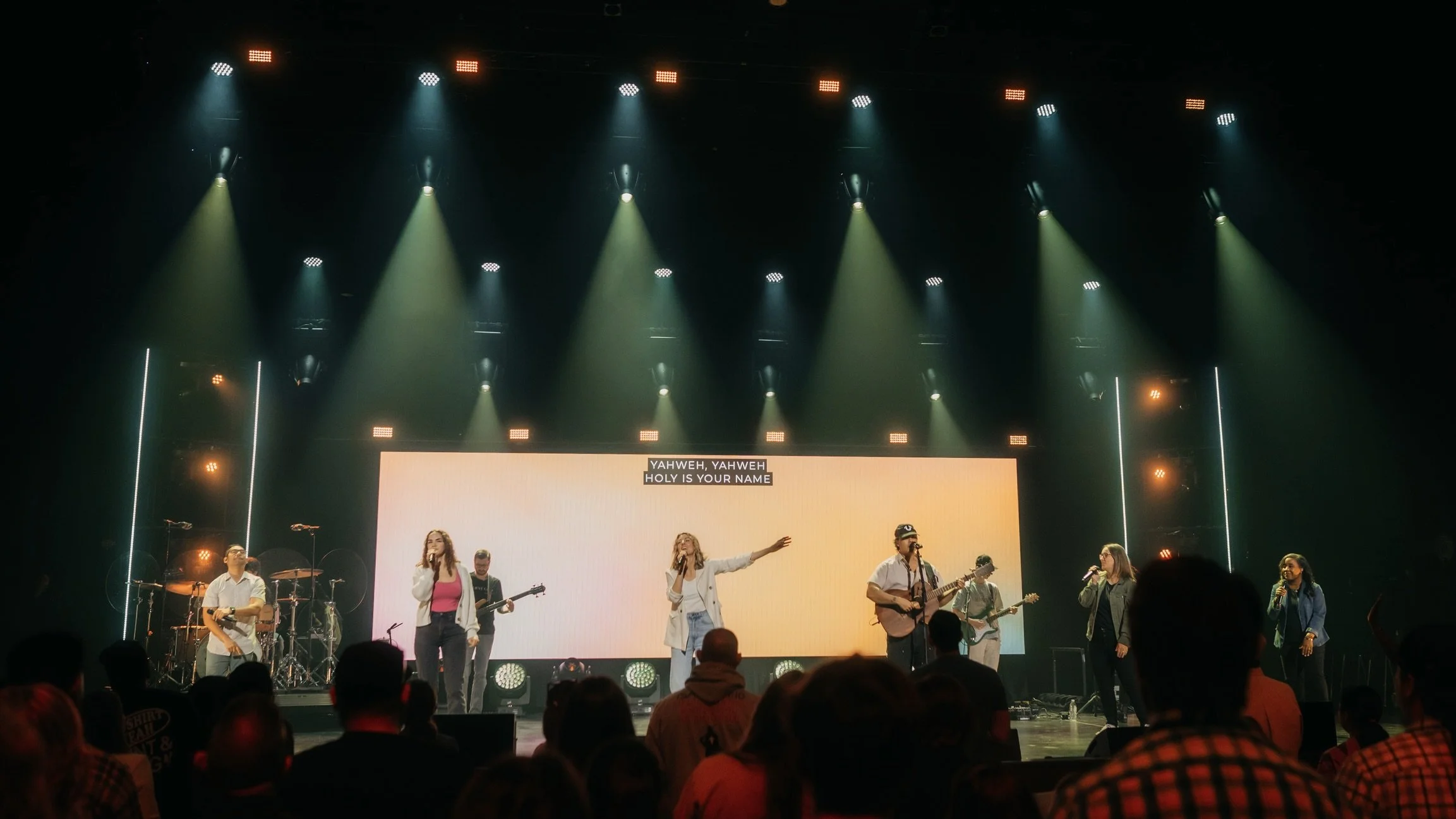
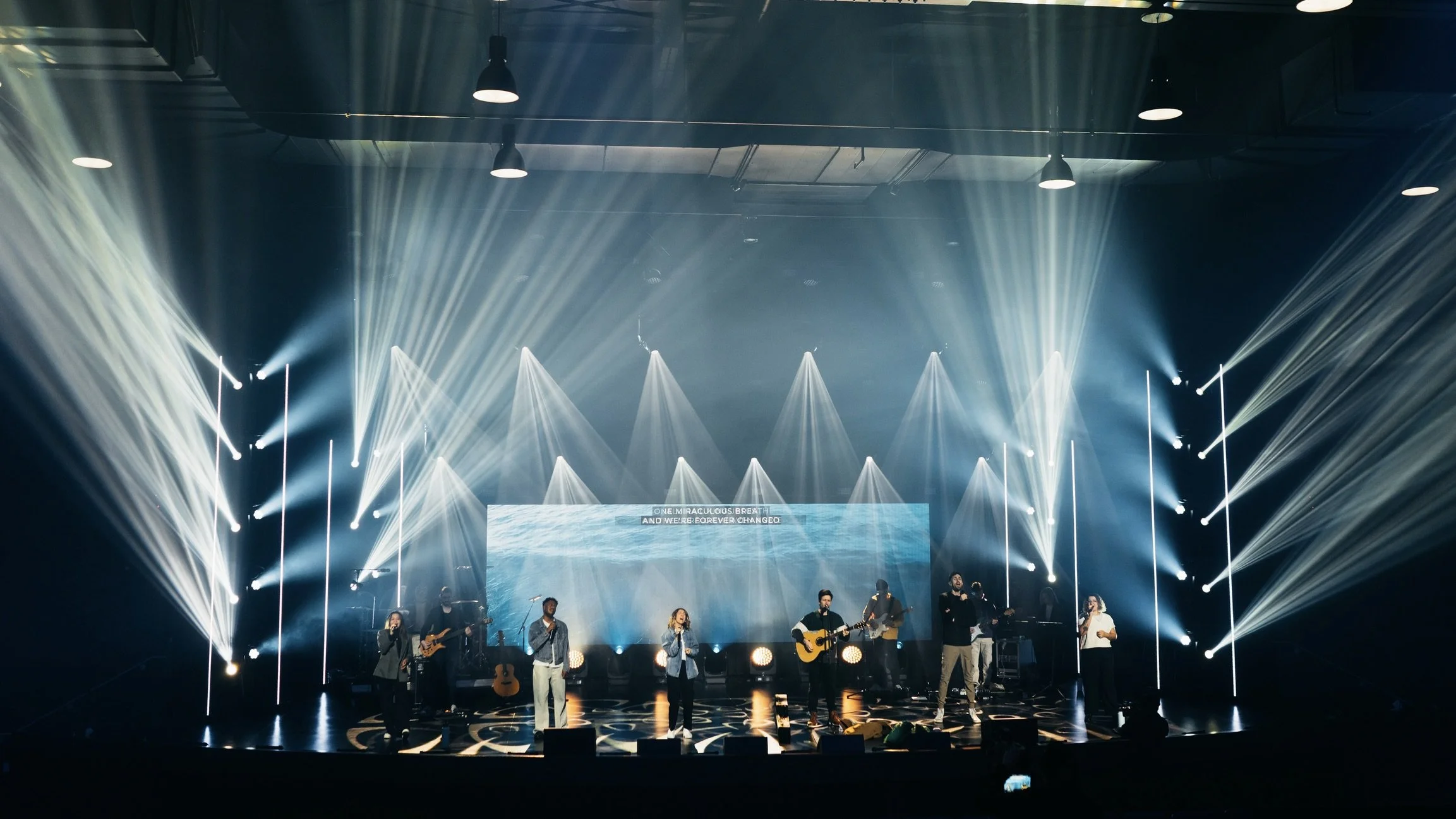
With the new cameras we’ve noticed a significant increase in the quality of the images as well as the overall directors cut. The colors, depth of field, clarity, and dynamic range are all outstanding. And now with being all the same camera sensor and lens family, everything matches.
We’re thrilled with this upgrade and extremely pleased with how seamlessly our team mastered the execution of these advanced cameras in such a short time.
Below are some images that' we’ve clipped side by side to show “where we were” to “where we are now”.