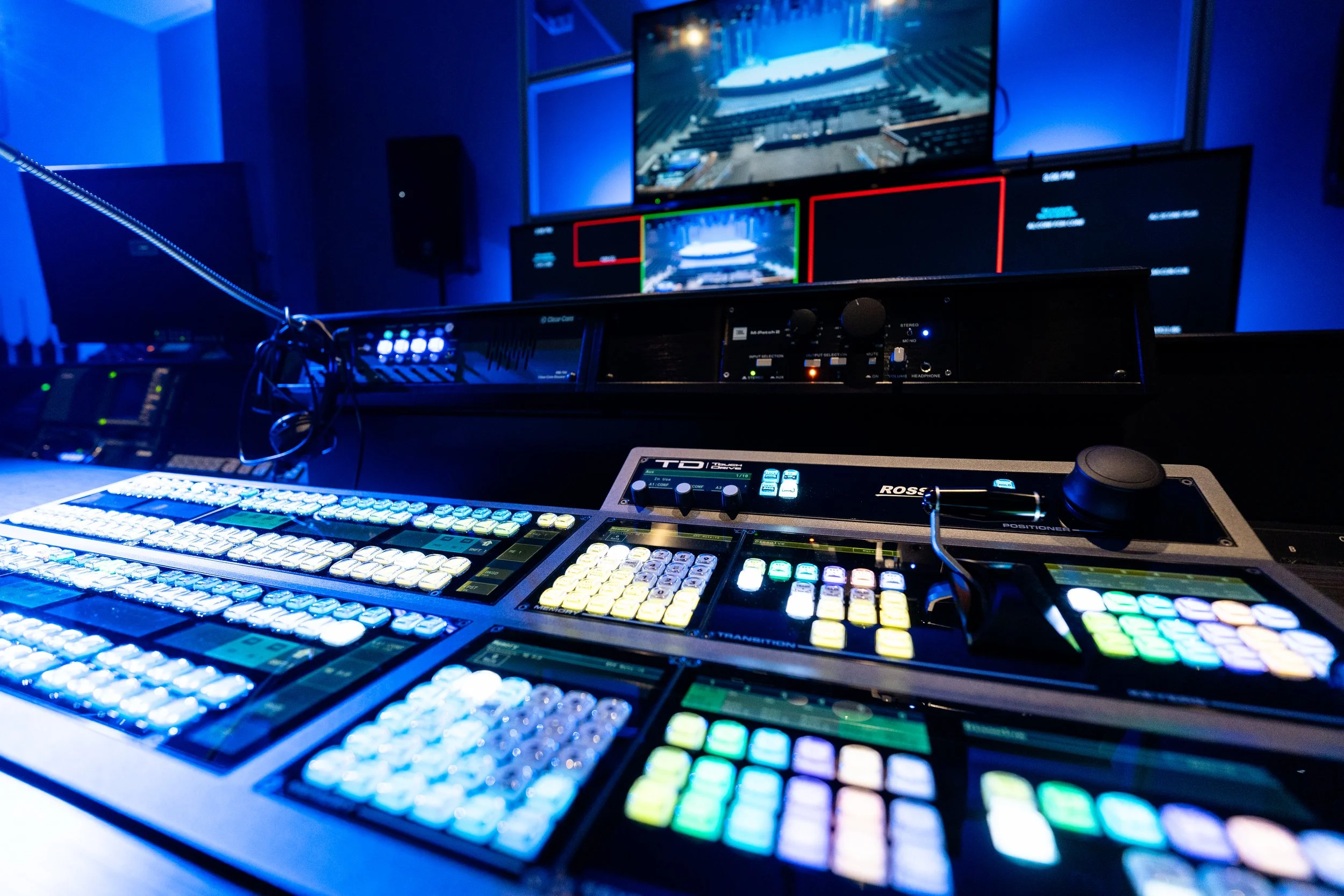

VD-PHYSICAL CONSOLE
ROSS CARBONITE
VD-PHYSICAL CONSOLE
ROSS CARBONITE
1. The Big Picture: System and Signal-Flow Orientation
“The video switcher is the central routing and production tool for the live video system. It receives multiple video sources, allows us to choose or combine those sources, and sends the finished production to its assigned destinations.”
The Carbonite 60 (in our configuration) has and 40 inputs and 12 outputs, or auxes.
The switcher can route individual sources or switcher outputs to Auxes. An Aux is a separate outputs that can be assigned independently.
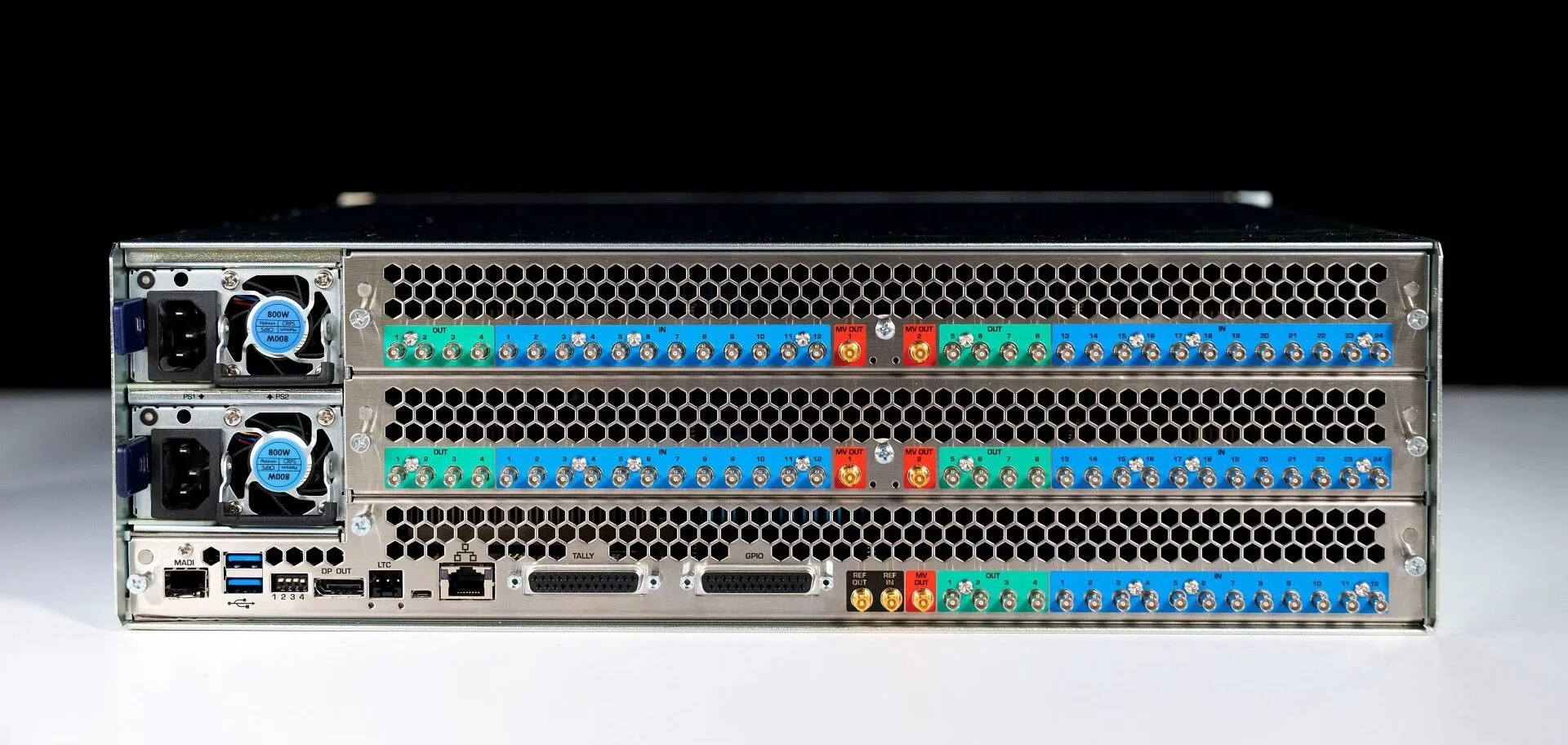
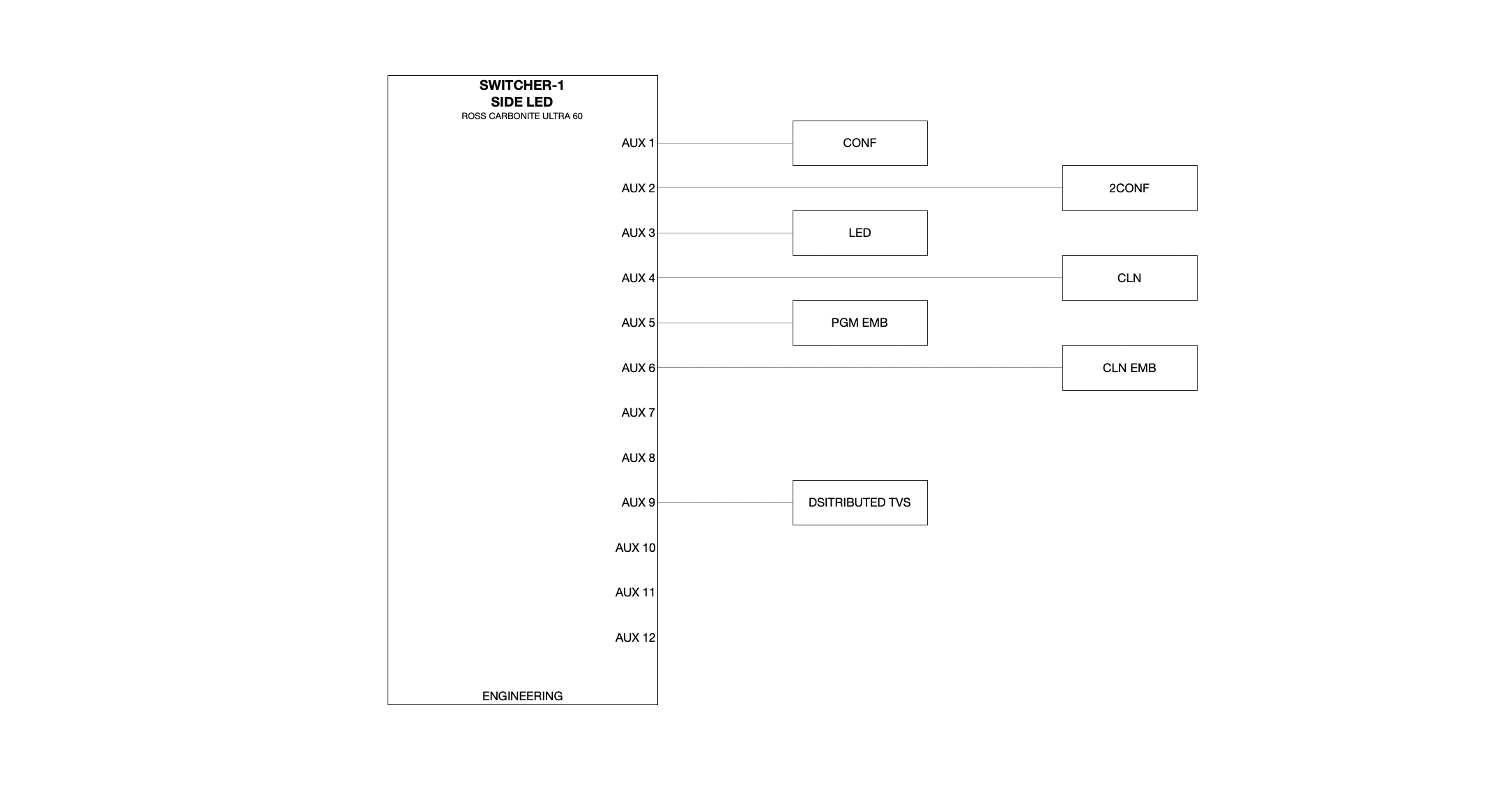
With AUX sends, the broadcast switcher is able to quick route any input into the switcher to any of the 8 Aux sends. T
AUX 1: CONF : STGDSP
STGDSP is the shift behind CG1
CONFIDENCE DISPLAY IS THE 90” OVER THE CENTER WALKWAYAUX 2: 2CONF : PGM
2CONF IS THE CONFIDENCE DISPLAY ON THE FLOOR BEHIND THE CAMERA RISERAUX 3: LED : ME1
Aux 2 is the feed to the Side ScreensAUX 4: CLN : CLN
AUX 5: PGM : PGM
AUX 6: BOH : ME1 CLN
BOH Embed is what TVs in Green Room and Baptism Changing Rooms will see. It's typically set to ME1
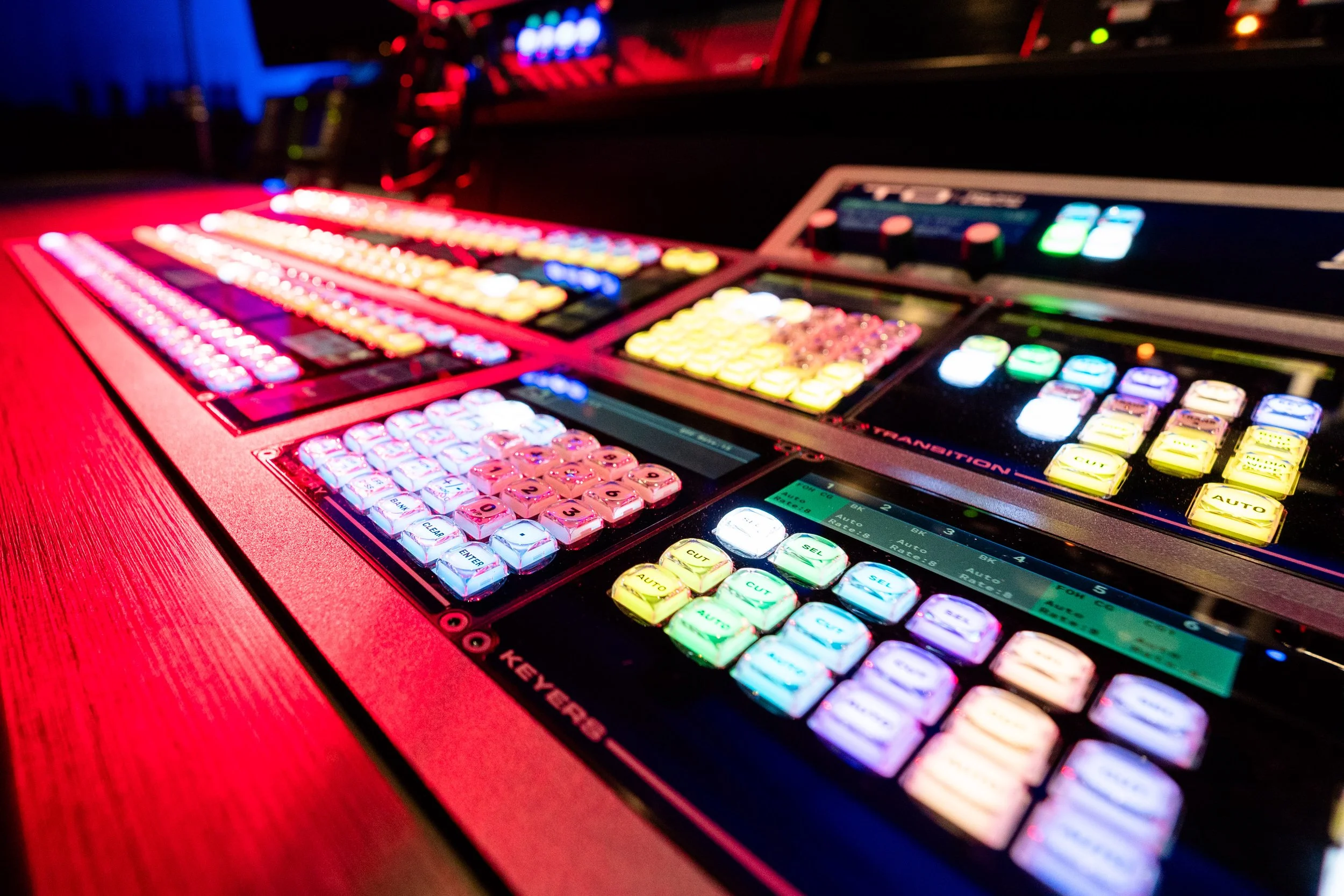
VD-CONSOLE LAYOUT
CONSOLE LAYOUT
VD-CONSOLE LAYOUT
CONSOLE LAYOUT
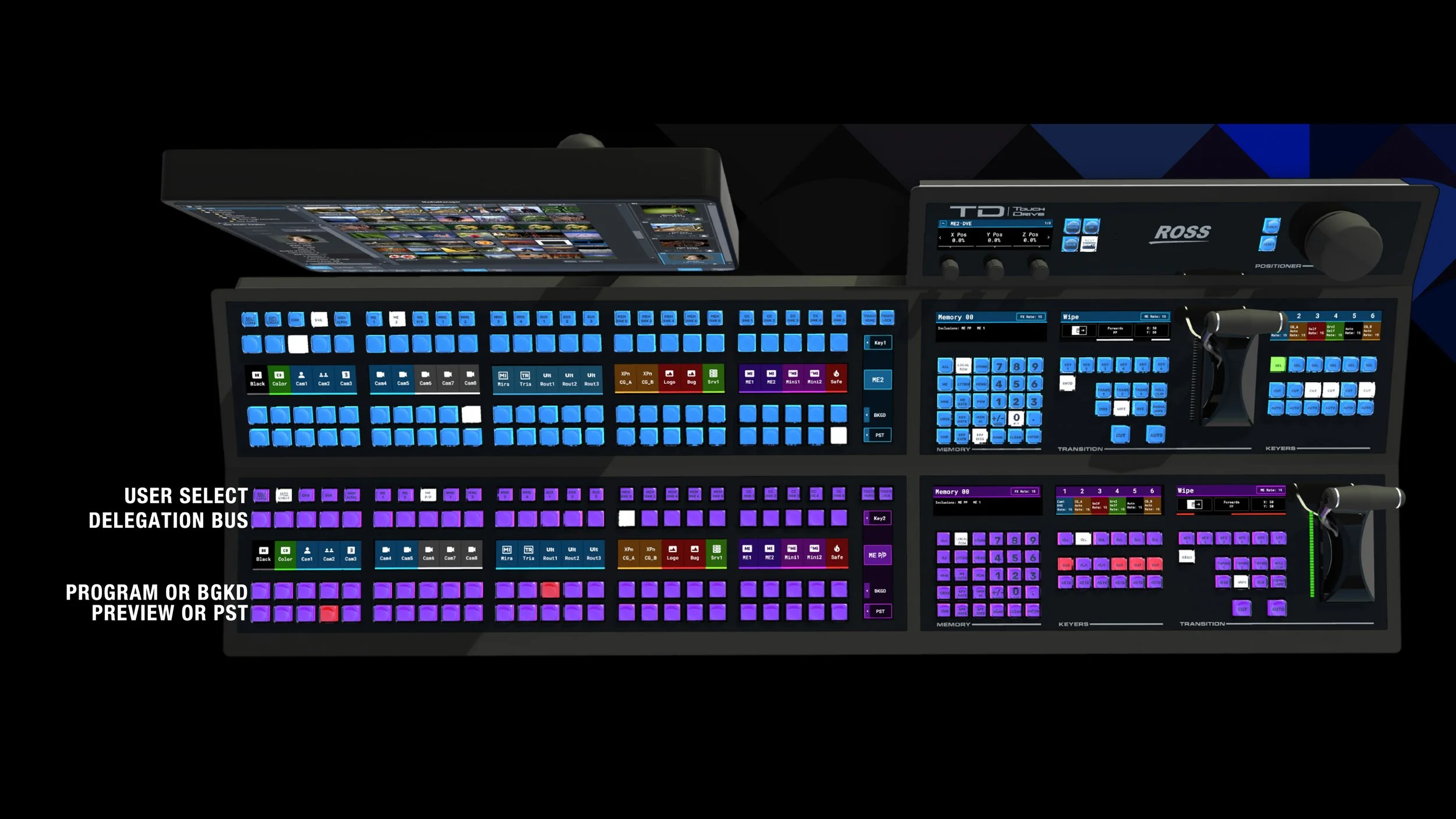
USER SELECT BUTTONS
The “USER SELECT BUTTONS” or “KEYER SELECT” are how we change routing of the auxes, and how we assign sources to the keyer.
These have an interaction with what the row is doing, and what the delegation bus is doing.
Selecting different “USER SELECT BUTTONS” or “KEYER SELECT” has an effect on the the delegation bus.
DELEGATION BUS
These are dynamic.
This bus assigns sources based on what “USER SELECT BUTTONS” or “KEYER SELECT” has been selected.
This is indicated by the changing of the colors. as different sources are selected.
VD-Keyers
KEYERS
VD-Keyers
KEYERS
WHAT IS A KEYER?
A keyer is a tool that lets you place one image on top of another without completely covering what’s underneath.
“A keyer adds layers to your video.”

WHAT CAN BE KEYED?
Any source can be a keyer, based on what we select.
CURRENT KEY LAYOUT
KEY 3 : 235 CROP
KEY 4 : FOH CG
KEY 5 : CG2
KEY 6 : CG1